iOS app
Tax Receipts
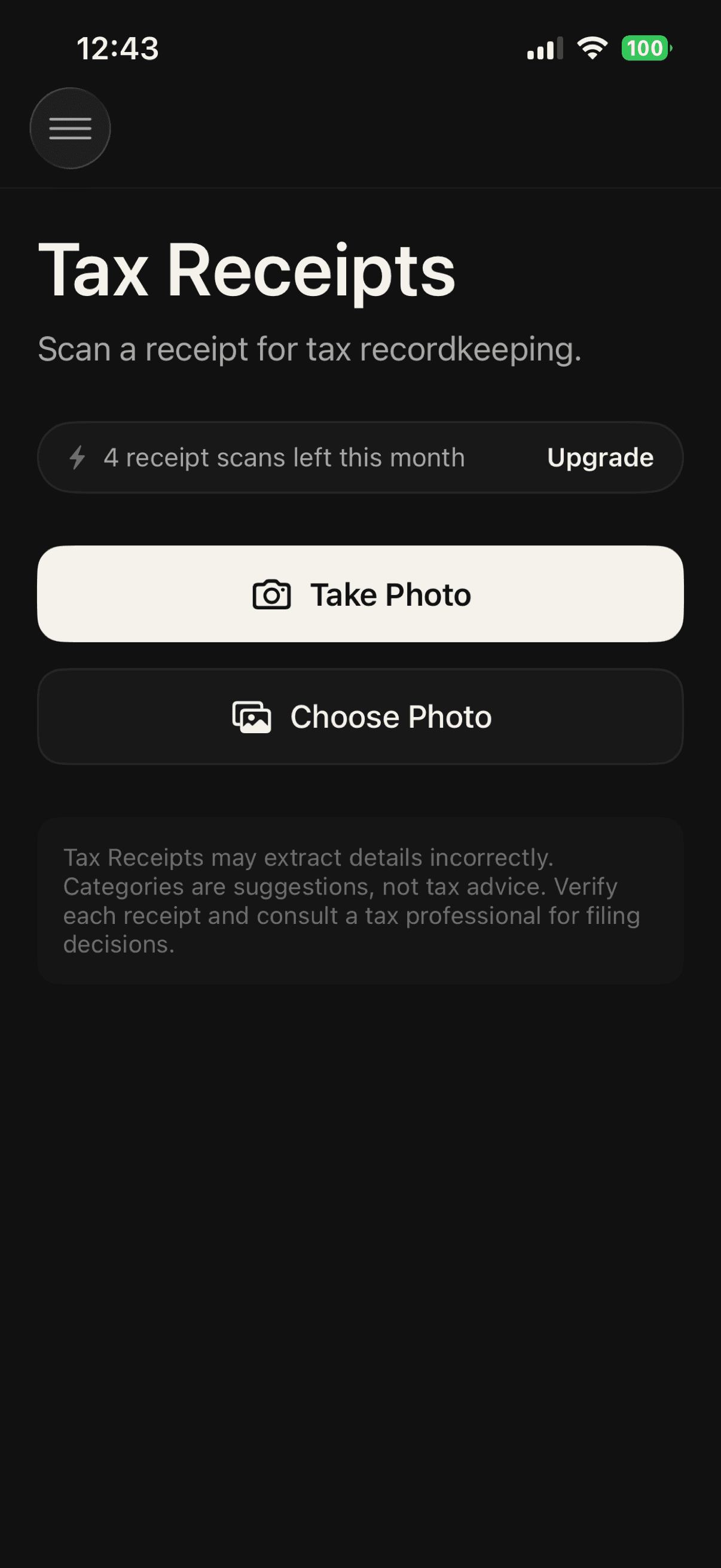
- Photograph receipts.
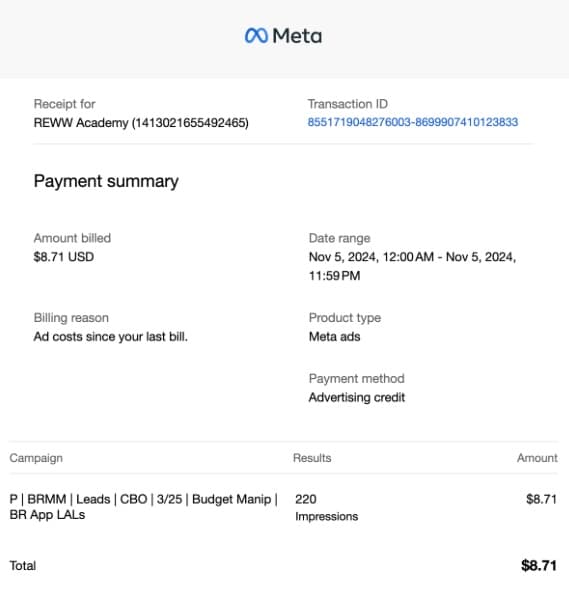
- AI logs the vendor, date, total, and sales tax.
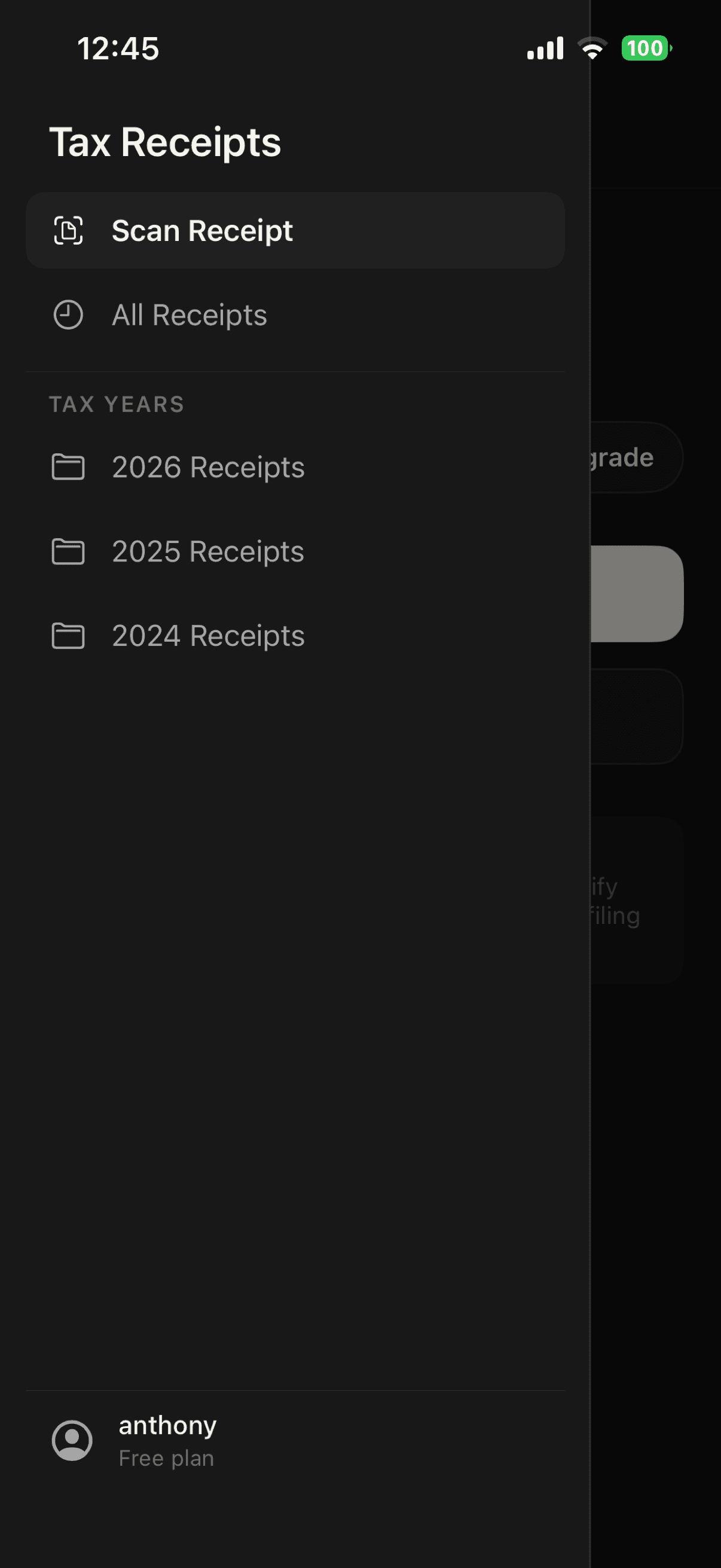
- Receipts are automatically sorted by tax year.
- Receipts are automatically categorized and totals are calculated for you.
- Share or export CSV and PDF files straight from the app.
Why it helps
Your receipts stay organized without extra work.
Take a photo when you get a receipt. Tax Receipts fills in the details, sorts everything by tax year and category, and adds up your totals so your records are ready when you need them.
Quick capture
Catch every receipt before it disappears.
Snap a receipt the moment you get it. AI reads the vendor, date, total, and sales tax, so the details are saved while they’re still in your hand.
Automatic tax years
Receipts sort themselves by tax year.
Every record is filed under the right year from its purchase date, so the current year and prior years never get tangled together.
Export & share
Share a clean CSV or PDF with your accountant.
When it’s time to file, export your receipts and totals as a CSV or PDF to share with your accountant or save with your records.
AI does the typing
Let extraction do the data entry.
Each scan arrives with its fields already filled in. Glance them over, fix anything that’s off, add a note, and the original image stays attached as backup.
Category totals
Know where you stand all year.
Saved receipts roll up into Schedule C-style category totals. No more thinking about what categories that item goes into.
Private storage
Sensitive details stay private.
Receipt images live in private storage scoped to your account and are processed securely for extraction. Not sold or made public.